The 10 Best Chess Apps for Kids in 2026 (Ranked by Chess Coaches)
By Lalit Akhade, Founder & Head Coach, ChessMates Academy · Published 2024-10-30 · 8 min read
Introduction: Mobile Chess Learning
In today's digital age, chess apps offer children powerful learning tools that fit in a pocket. The best apps combine engaging interfaces with solid educational content, making improvement accessible anytime, anywhere.
This guide reviews the top chess apps for children in 2025, helping parents select the right tools for their child's development level and learning style.
Quick Comparison — All 10 Apps Ranked
| # | App | Age range | Price | Best for | Score |
|---|---|---|---|---|---|
| 1 | Chess for Kids — Learn & Play | 4–8 | Free + IAP | Complete beginners | 9.0 |
| 2 | Chess.com App | All ages | Free; $4.99–13.99/mo | All-round development | 9.5 |
| 3 | Lichess Mobile | 8+ | Completely free | Serious learning, no ads | 9.3 |
| 4 | ChessKid | 5–12 | Free; from $4.99/mo | Child safety + structure | 9.4 |
| 5 | Magnus Trainer | 8+ | Free; $9.99/mo | Intermediate learners | 8.7 |
| 6 | Chess Tactics Pro | 7+ | Free + ads; $4.99 | Focused tactics drilling | 8.3 |
| 7 | Dinosaur Chess | 4–7 | $4.99 one-time | Very young beginners | 8.0 |
| 8 | Learn Chess with Dr. Wolf | 6+ | Free trial; $9.99/mo | Guided full games | 8.6 |
| 9 | Really Bad Chess | 8+ | Free + ads; $2.99 | Fun and variety | 7.5 |
| 10 | Play Magnus | 8+ | Free tier; premium | Playing vs AI opponents | 7.8 |
Short on time? ChessKid is the safest structured choice for ages 5–12, Lichess is the best genuinely free option, and Chess.com is the one your child will still be using in five years. Scores reflect how well each app suits children specifically — not overall chess strength.
What Makes the Best Chess App for Kids?
Not all chess apps for children are built the same. After evaluating 12+ platforms with kids aged 5–14, we found the best chess app for kids needs four things: age-appropriate puzzle difficulty, a structured lesson path (not just free play), a safe environment free from adult players and ads, and progress tracking that parents can actually see.
What to look for — and avoid:
- ✅ Look for: Rated puzzles that adapt to your child's level, video or interactive lessons, and a kid-safe interface
- ❌ Avoid: Apps that drop children into unrated online games with strangers, or that teach chess through passive video only
Before you choose a chess app, make sure your child has a solid grounding in understanding chess piece values — the apps that teach this well, early, are the ones that produce the fastest improvement. And if you are wondering how long does it take to improve with a chess app?, we answer that in detail separately.
What Makes a Great Chess App for Kids?
Essential Features
For Learning: - Age-appropriate instruction - Progressive difficulty levels - Clear explanations - Interactive feedback - Progress tracking
For Engagement: - Appealing visual design - Gamification elements - Achievable milestones - Variety of activities - Appropriate challenge level
For Safety: - Child-friendly settings - Limited/no social features for young children - Ad-free or appropriate ads - No in-app purchase pressure
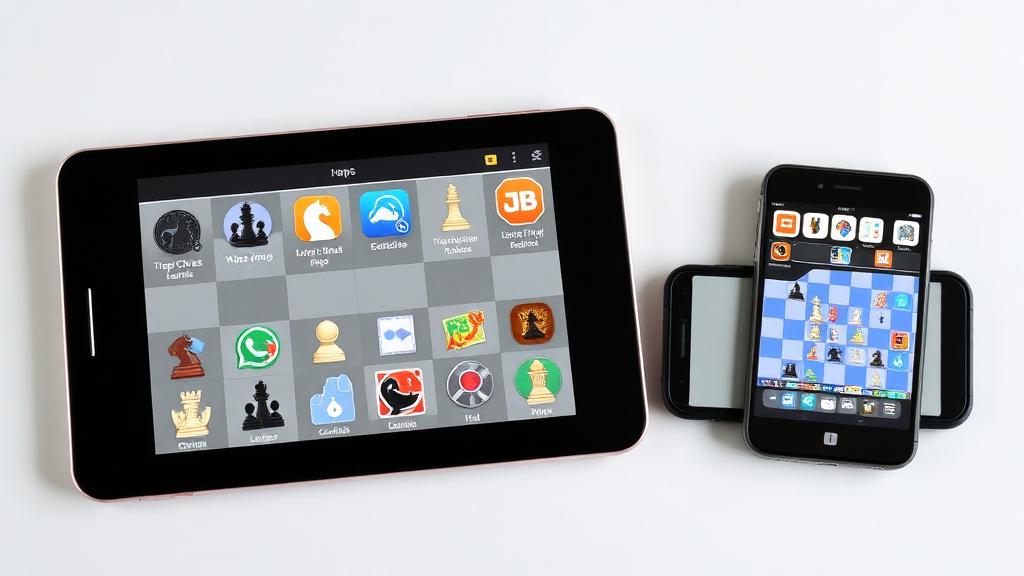
Top 10 Chess Apps for Children in 2026
1. Chess for Kids - Learn & Play
Best For: Complete beginners (ages 4-8)
Features: - Character-guided lessons - Mini-games teaching piece movement - Simple puzzles - No reading required for basics - Colorful, friendly design
Pros: Excellent for very young beginners; no frustration Cons: Limited depth; children outgrow quickly
Cost: Free with in-app purchases
2. Chess.com App
Best For: All ages, various skill levels
Features: - Puzzles and lessons - Play against bots or humans - Multiple time controls - Progress tracking - Tournament access
Pros: Comprehensive; works for ongoing development Cons: Full features require subscription; some social features
Cost: Free tier; Premium $4.99-13.99/month
3. Lichess Mobile App
Best For: Serious learning (ages 8+)
Features: - Unlimited free puzzles - Full analysis tools - All time controls - Studies and lessons - Clean interface
Pros: Completely free; excellent analysis; no ads Cons: Less visually appealing to young children
Cost: Free (donation supported)
4. ChessKid
Best For: Children 5-12 years
Features: - Child-safe environment - Structured lessons - Daily puzzles - Safe play options - Progress reports for parents
Pros: Designed specifically for children; very safe Cons: Requires subscription for full features
Cost: Free tier; Premium from $4.99/month
5. Magnus Trainer
Best For: Intermediate learners (ages 8+)
Features: - Lessons designed by Magnus Carlsen's team - Progressive training modules - Varied puzzle types - Game analysis - Achievement system
Pros: High-quality content; engaging progression Cons: Subscription required for most content
Cost: Free tier; Premium $9.99/month
6. Chess Tactics Pro (Puzzles)
Best For: Tactical training (ages 7+)
Features: - Thousands of tactics puzzles - Difficulty ratings - Progress tracking - Themed puzzle sets - Offline capability
Pros: Focused practice; no distractions Cons: Puzzles only; no instruction
Cost: Free with ads; Premium $4.99
7. Dinosaur Chess
Best For: Young beginners (ages 4-7)
Features: - Story-based learning - Dinosaur theme and characters - Basic piece movement teaching - Simple challenges - No reading required
Pros: Very engaging for young children Cons: Limited content; quickly outgrown
Cost: One-time purchase $4.99
8. Learn Chess with Dr. Wolf
Best For: Beginners learning full games (ages 6+)
Features: - AI tutor provides move-by-move guidance - Explains every move during games - Adaptive difficulty - Positive reinforcement - Full game instruction
Pros: Unique coaching approach; encouraging Cons: Subscription for full access; limited to one learning style
Cost: Free trial; Premium $9.99/month
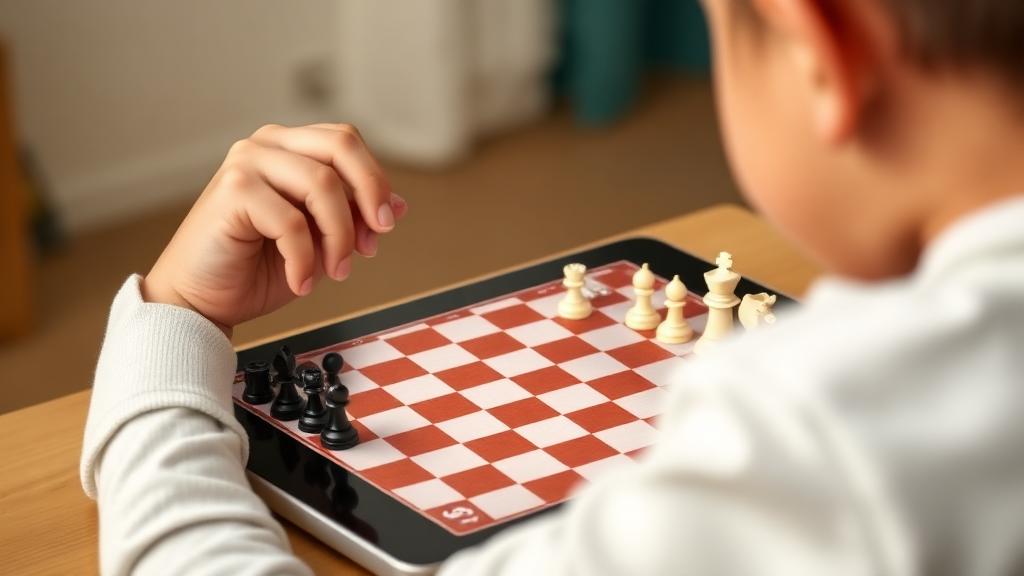
9. Really Bad Chess
Best For: Fun and engagement (ages 8+)
Features: - Randomized piece setups - Unusual positions to play - Daily challenges - Casual atmosphere - No pressure
Pros: Creative; fun for variety Cons: Not traditional chess; doesn't teach standard game
Cost: Free with ads; Premium $2.99
10. Play Magnus
Best For: Playing against AI opponents (ages 8+)
Features: - Play against Magnus at various ages - Historical opponent simulations - Training positions - Achievement tracking - Multiple difficulty levels
Pros: Unique concept; motivating Cons: Playing focus over instruction
Cost: Free tier; Premium options
App Selection by Age Group
Ages 4-6: Foundational Learning
Best Options: 1. Chess for Kids - Learn & Play 2. Dinosaur Chess 3. ChessKid (basic features)
Focus: Making chess fun; basic piece movement; no frustration
Ages 7-10: Building Skills
Best Options: 1. ChessKid (Premium) 2. Chess.com App 3. Learn Chess with Dr. Wolf 4. Chess Tactics Pro
Focus: Structured learning; tactical development; safe play
Ages 11+: Serious Development
Best Options: 1. Lichess App 2. Chess.com App 3. Magnus Trainer 4. Chess Tactics Pro
Focus: Full features; unlimited practice; analysis tools
Safety and Screen Time Considerations
Safe App Settings
For All Children: - Disable or limit chat features - Turn off notifications - Monitor play time - Review friends/connections - Use kid modes where available
Healthy Usage
Recommendations: - Set time limits for app use - Balance with physical board play - Take breaks during longer sessions - Monitor for signs of frustration or obsession - Ensure apps enhance rather than replace instruction
Integrating Apps with Learning
As Supplement to Lessons
How to Use Effectively: - Practice concepts covered in lessons - Daily puzzle routine - Focused training on weaknesses - Review games with analysis tools
What Apps Can't Replace: - Human instruction and feedback - Deep strategic understanding - Long-game development - Personal coaching relationship
Creating a Practice Routine
Sample Daily App Routine (15-20 minutes): 1. 5 minutes warm-up puzzles 2. 10 minutes focused practice or lessons 3. 5 minutes fun play or review
Weekly Balance: - Variety of apps and activities - Include offline board play - Regular lesson attendance - Tournament or club play
How Chessmates.in Works with Chess Apps
Our coaching integrates app usage effectively:
Recommendations: Personalized app suggestions for each student Integration: Lesson follow-up with specific app practice Monitoring: Help parents understand progress metrics Balance: Ensuring apps supplement rather than replace instruction Guidance: Teaching effective app usage habits
FAQs About Chess Apps
1. How much time should my child spend on chess apps daily? 20-30 minutes is typically appropriate. Quality over quantity matters.
2. Are free apps sufficient for learning? Yes, especially Lichess. Paid apps offer conveniences but aren't necessary for development.
3. Can apps replace chess lessons? No. Apps supplement but don't replace human instruction for optimal development.
4. What about ads in free apps? Consider premium versions if ads are intrusive or inappropriate. Lichess is completely ad-free.
5. How do I know if an app is age-appropriate? Check app store ratings, read reviews, and test before giving to your child.
Conclusion: Tools for the Digital Age
Chess apps offer powerful learning tools when used appropriately. The best apps for your child depend on their age, skill level, and learning style. When integrated with quality instruction and balanced screen time, apps accelerate development while keeping chess engaging.
At Chessmates.in, we help families select and use chess apps effectively as part of a comprehensive learning approach. Our coaching guides optimal app integration.
Ready to optimize your child's chess app usage? Book a trial lesson for personalized recommendations.