Is Online Chess Safe for Kids? What Every Parent Must Know
By Lalit Akhade, Founder & Head Coach, ChessMates Academy · Published 2024-12-17 · 6 min read
Introduction: Safety First in Digital Chess Learning
As parents embrace online chess education for their children, ensuring safety in digital environments becomes paramount. The same connectivity that provides access to world-class instruction also requires thoughtful precautions to protect young learners. Understanding how to keep children safe while maximizing engagement creates the foundation for successful online chess learning.
This comprehensive guide addresses every aspect of online chess safety, from platform selection to monitoring strategies, helping parents create secure learning environments where children can focus entirely on developing their chess skills.
Understanding Online Chess Safety Landscape
Potential Concerns
Responsible parents naturally consider risks associated with online activities:
- Communication with strangers through chat or video features
- Inappropriate content exposure on open platforms
- Personal information sharing accidentally or through manipulation
- Cyberbullying from competitive interactions
- Screen time management and healthy digital boundaries
Why Chess Platforms Differ
Quality chess education platforms address these concerns differently than general social media or gaming sites:
- Educational focus limits unnecessary social features
- Supervised environments with qualified adults present
- Structured interactions during lessons and activities
- Parental controls built into platform design
- Community standards enforced through moderation
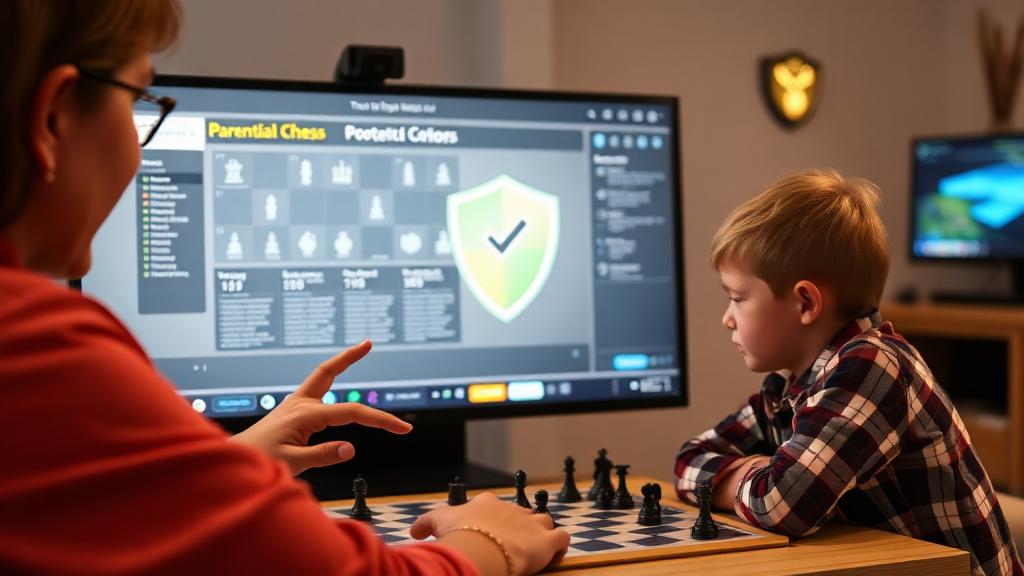
Choosing Safe Online Chess Platforms
Essential Safety Features to Look For
When evaluating platforms for your child, prioritize:
Communication Controls - Limited or moderated chat features - No direct messaging between unknown users - Coach-supervised communication during lessons - Parental approval for any peer connections
Privacy Protections - Username-only identification without real names - No profile photos required - Limited personal information collection - Strong data privacy policies compliant with child protection laws
Content Moderation - Active monitoring of all interactions - Quick response to reported concerns - Clear community guidelines - Zero tolerance for inappropriate behavior
Verification Systems - Background-checked coaches - Verified parental accounts - Age-appropriate content filtering - Secure payment processing
Red Flags to Avoid
Be cautious of platforms that: - Allow unrestricted communication between users - Require extensive personal information from children - Lack visible moderation or safety policies - Have no parental control options - Show signs of unmoderated communities
Creating Safe Home Learning Environments
Physical Setup Recommendations
Computer Placement Position devices in common family areas where screens are naturally visible. This provides passive supervision without feeling intrusive and helps children maintain focus.
Distraction Minimization Create dedicated learning spaces with: - Minimal background noise - Good lighting for screen visibility - Comfortable seating for sustained focus - Access to physical chess materials when needed
Technical Preparation Ensure reliable connectivity and functioning equipment to prevent frustration and maintain lesson continuity.
Establishing Digital Boundaries
Screen Time Integration Frame chess learning as educational screen time distinct from entertainment. Establish clear boundaries about when chess activities occur versus other digital uses.
Activity Scheduling Set specific times for: - Structured lessons with coaches - Independent practice and puzzles - Peer games when permitted - Screen-free chess activities (physical board practice)
Break Protocols Encourage regular breaks during longer sessions to: - Rest eyes from screen exposure - Move physically - Maintain healthy learning rhythms - Process new information
Supervising Without Hovering
Age-Appropriate Oversight
Younger Children (4-7 years) Sit with your child during lessons, especially initially. Your presence provides security and allows you to assist with technical issues while understanding instruction content.
Middle Childhood (8-11 years) Be nearby during lessons without constant direct observation. Check in periodically and review lesson content afterward through discussion.
Older Children (12+ years) Provide privacy for lessons while maintaining general awareness of activities. Have regular check-in conversations about their chess learning experience.
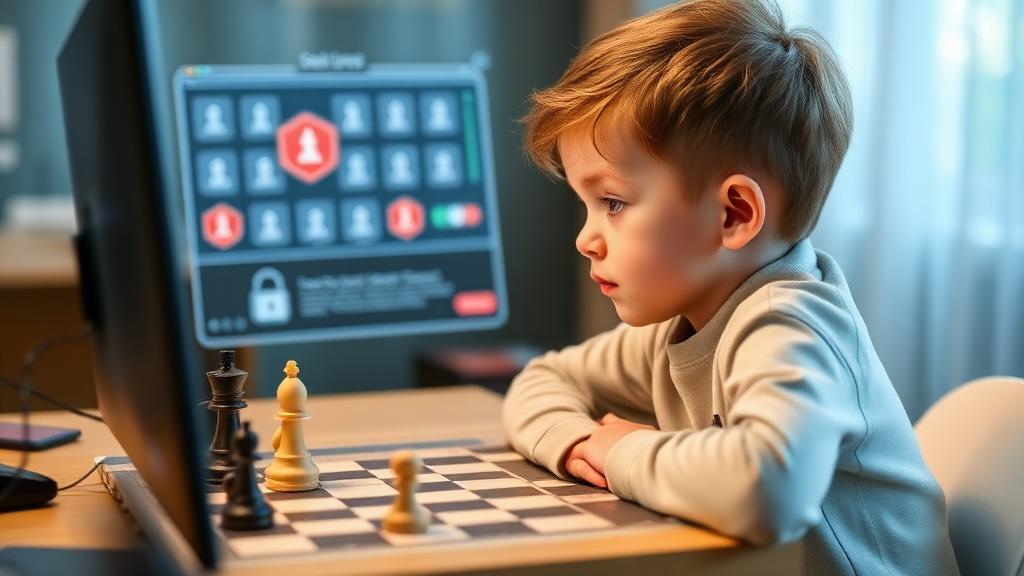
Monitoring Strategies
Session Observations Periodically observe portions of lessons to: - Verify appropriate coach behavior - Understand teaching approaches - Identify engagement levels - Note areas where support might help
Progress Review Regularly review: - Lesson completion records - Practice statistics and puzzle results - Any communication logs the platform provides - Progress reports from coaches
Open Communication Create environment where children: - Feel comfortable discussing their online experiences - Know they can report any uncomfortable situations - Understand what appropriate online behavior looks like - Trust that concerns will be taken seriously
Engaging Children in Their Own Safety
Teaching Digital Citizenship
Help children understand:
Personal Information Protection - Never share real names, ages, or locations in public areas - Use approved usernames only - Don't accept friend requests from unknown people - Ask parents before sharing any information
Recognizing Inappropriate Behavior - What constitutes inappropriate requests or comments - How to exit uncomfortable situations - When and how to report concerns - That reporting is always the right choice
Positive Online Conduct - Being kind and respectful in all interactions - Handling wins and losses gracefully - Following platform rules and guidelines - Supporting positive community culture
Empowering Safe Choices
When children understand safety reasoning, they become partners in maintaining security: - Explain why rules exist rather than just imposing them - Celebrate good digital citizenship decisions - Discuss real scenarios and appropriate responses - Build confidence in their ability to navigate online safely
Maximizing Engagement Within Safety
Keeping Chess Learning Exciting
Safety shouldn't mean boring. Maintain engagement through:
Age-Appropriate Challenge Ensure lessons match ability levels — too easy leads to boredom, too hard creates frustration.
Interactive Elements Choose platforms with engaging features: - Interactive puzzles and games - Progress achievements and badges - Fun graphics and themes appealing to children - Friendly competition opportunities
Goal Setting Work with coaches to establish meaningful goals: - Short-term targets (weekly puzzle completion) - Medium-term achievements (rating milestones) - Long-term aspirations (tournament participation)
Variety in Activities Mix lesson content to maintain interest: - Opening study - Tactical training - Game analysis - Friendly matches - Group activities
Social Engagement Safely
Children benefit from peer connections. Facilitate these safely:
Supervised Group Classes Group lessons with moderated interaction provide social benefits within controlled environments.
Approved Practice Partners Some platforms allow parent-approved peer matching for practice games with appropriate oversight.
Community Events Participate in organized events like tournaments or team activities where interaction occurs within structured, supervised contexts.
Family Chess Time Supplement online learning with physical family chess, providing social engagement without digital concerns.
Responding to Safety Concerns
When Issues Arise
If you identify any concerning situations:
Immediate Steps 1. Calmly end the session or activity 2. Document what occurred (screenshots if possible) 3. Reassure your child they did nothing wrong 4. Report to the platform immediately
Platform Reporting Quality platforms have: - Easy reporting mechanisms - Quick response times - Transparent investigation processes - Clear resolution communication
Follow-Up Actions - Discuss the situation with your child age-appropriately - Review safety practices together - Consider whether platform changes are needed - Seek additional support if warranted
Building Recovery and Resilience
If your child experiences something uncomfortable: - Listen without judgment - Affirm that they were right to tell you - Take appropriate action to address the situation - Continue supporting their positive online engagement - Monitor for any lasting concerns
How Chessmates.in Prioritizes Safety
Our platform is built with child safety as foundational priority:
- All coaches undergo thorough background verification
- Communication occurs only within supervised lesson contexts
- Parental access to all lesson records and progress
- No direct messaging between students
- Privacy-first approach to data collection
- Active moderation of all community spaces
- Clear reporting mechanisms with rapid response
- Regular safety audits and policy updates
FAQs About Online Chess Safety
1. How do I know if a coach is trustworthy? Use platforms that verify credentials, provide background checks, and allow parental observation of lessons.
2. Should I let my child use chess platform chat features? Only in moderated environments with coach supervision or parent-approved connections.
3. What if my child wants to play chess with strangers online? Choose platforms with anonymous matchmaking and disabled chat for casual games, or supervise interactions directly.
4. How much should I monitor my child's chess activities? Adjust based on age and maturity, maintaining awareness without excessive intrusion.
5. What if something concerning happens during a lesson? End the session, document details, report to the platform, and support your child through the experience.
Conclusion: Safe Chess Learning Is Possible
Online chess education offers tremendous benefits for children when approached with appropriate safety awareness. The combination of parental guidance, platform safety features, and child education creates secure environments where young players can focus on developing their chess skills and love for the game.
At Chessmates.in, we're committed to providing the safest possible online chess learning environment. Our comprehensive safety measures, qualified coaches, and parent-friendly features ensure your child's chess journey is both enriching and secure.
Begin your child's safe online chess education with a free trial lesson. Discover how excellent chess instruction and unwavering safety commitment create the perfect learning environment for your young chess player.